Table of Contents
ToggleThe remote work landscape has shifted dramatically over the past few years, and many professionals now find themselves permanently or semi-permanently based at home. A cramped corner, a wobbly card table, or a desk wedged into a bedroom just doesn’t cut it anymore. Small home office designs have become a practical necessity rather than a luxury. The good news? You don’t need a sprawling room or a six-figure budget to create a workspace that actually works. With smart furniture choices, efficient storage, and thoughtful layout planning, even the tightest spaces can deliver real productivity gains. This guide walks you through concrete strategies to design a small home office that feels both functional and intentional.
Key Takeaways
- Small home office designs force intentional organization that eliminates clutter and improves focus, often delivering better productivity than sprawling, oversized workspaces.
- Choose furniture with purpose: a 24-inch desk depth balances monitor space with floor area, while multi-functional pieces like corner desks and wall-mounted shelving maximize compact layouts.
- Vertical storage through floating shelves, pegboards, and wall-mounted cabinets keeps supplies accessible without consuming precious floor space in small offices.
- Layered lighting with a task lamp and neutral wall colors prevent eye strain and make tight spaces feel larger and calmer.
- Position your desk perpendicular to the longest wall and use partial partitions or bookshelves to create psychological separation between work and living areas without blocking sightlines.
- Test your small home office layout in real conditions before committing, since ergonomic desk height (28–30 inches) and monitor positioning (20–26 inches from eyes) are critical for all-day comfort.
Why Small Home Offices Are More Important Than Ever
Remote work is no longer a perk, it’s a standard expectation across countless industries. Whether you’re a freelancer, a full-time remote employee, or someone juggling side projects, having a dedicated workspace shapes your focus and output. A small home office doesn’t mean compromised productivity: it means intentional design.
When your workspace is compact, every square inch counts. You’re forced to eliminate clutter and keep only what serves your actual workflow. This constraint often leads to better organization and fewer distractions than oversized, sprawling home offices where things get lost or ignored. Studies in environmental psychology consistently show that smaller, well-organized spaces can improve concentration and reduce decision fatigue.
Beyond personal productivity, a dedicated office also creates a psychological boundary between “work” and “home.” Even in a studio apartment, a corner desk with a partition or a carefully arranged nook signals to your brain that it’s time to focus. This mental separation is crucial for both work quality and personal recovery time. Small spaces force this separation to be intentional rather than accidental, which often makes it more effective.
Essential Furniture Choices for Compact Workspaces
Your furniture selection makes or breaks a small office. A standard desk might consume 40–50% of your floor space, leaving little room for movement or storage. The key is choosing pieces that earn their footprint.
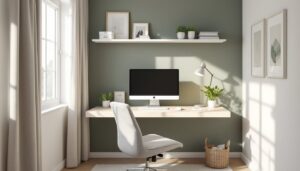
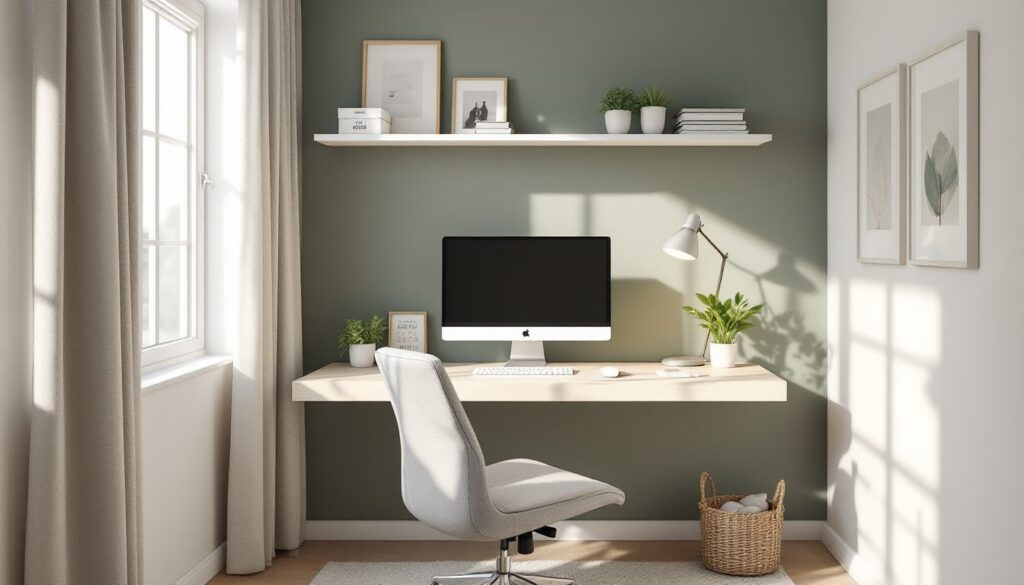
A desk depth of 24 inches is the sweet spot for small spaces, deep enough for a monitor and keyboard, shallow enough to preserve floor area. Wall-mounted desks can reduce footprint even further, typically requiring just 12–15 inches of depth. If you need to move between tasks, a standing desk converter (a platform that sits atop a traditional desk) can add ergonomic flexibility without replacing your entire setup.
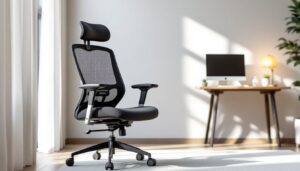
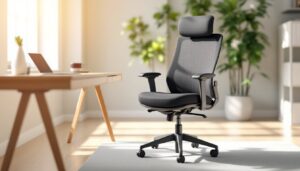
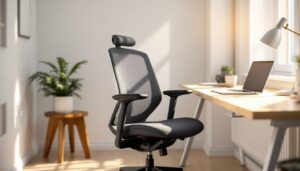
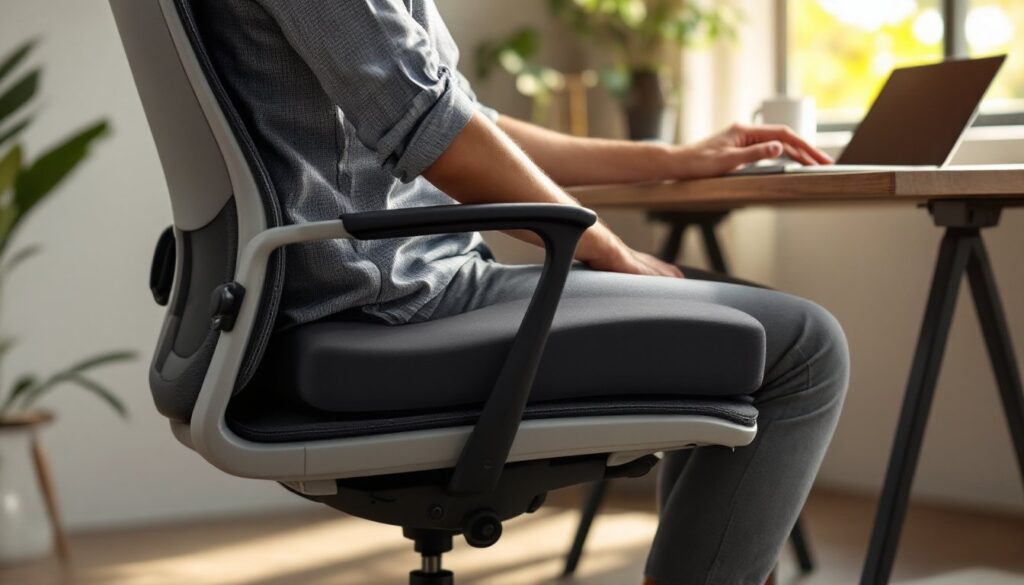
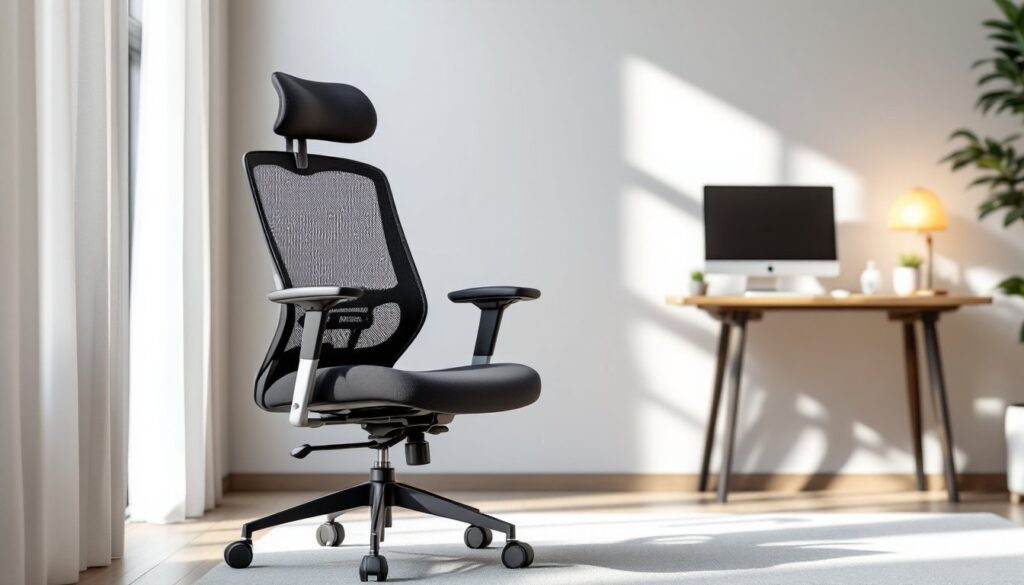
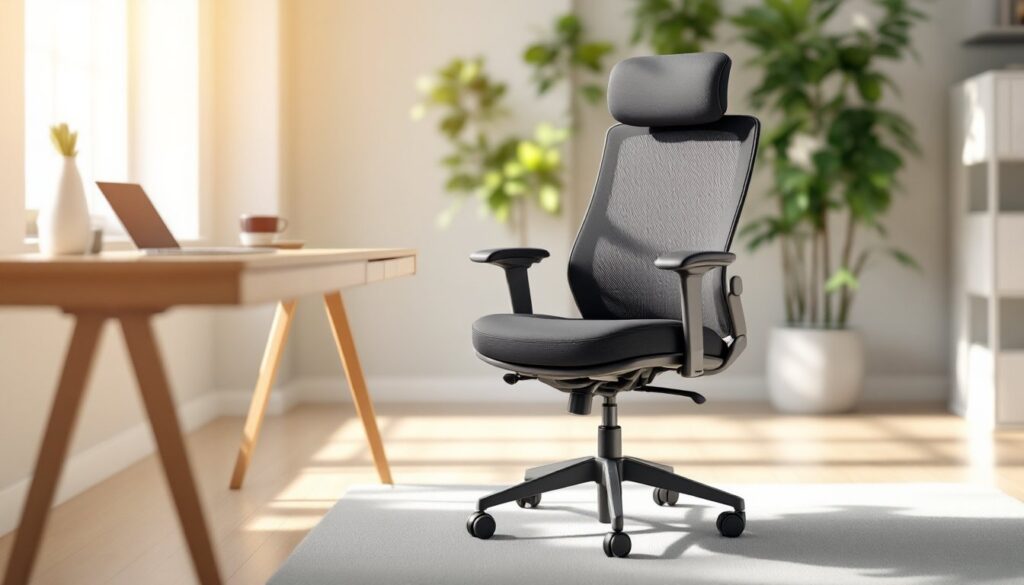
Your office chair is non-negotiable. Many DIYers get tempted to use a dining chair or stool to save space, but eight hours a day in an unsupportive seat leads to back pain and fatigue. A quality office chair with adjustable height and lumbar support doesn’t have to be massive. Look for models with a compact footprint and armrests that tuck in. Budget $150–$400 for a reliable chair that you’ll actually use comfortably.
Multi-Functional Pieces That Save Space
Multi-functional furniture is the secret weapon of small office design. A desk with built-in shelving above the work surface eliminates the need for a separate bookcase. An ottoman with hidden storage lets you sit and stash documents simultaneously. A console table can serve as both a desk and a display surface when styled thoughtfully.
Consider a corner desk if your layout allows, they tuck into otherwise wasted space and often provide more surface area than you’d expect. Alternatively, an L-shaped configuration using two smaller desks creates a workstation without consuming square footage at the rate a single large desk would.
Wall-mounted cabinets, floating shelves, and vertical filing systems keep papers and supplies accessible without eating floor space. A rolling cart (typically 18 inches wide and 24 inches tall) can hold frequently used items and tuck into a corner or slide under the desk when not needed. These carts cost $40–$150 and move wherever your workflow demands.
Smart Storage Solutions for Home Office Organization
Small offices accumulate clutter fast without a plan. Papers, cables, books, and supplies multiply, and soon your desk surface disappears under a chaos pile. Deliberate storage architecture prevents this collapse.
Start by measuring your wall space and identifying unused vertical real estate, above the desk, beside a window, or along a narrow wall. This is prime real estate for storage that doesn’t eat floor area. Floating shelves (typically 36 inches wide and 10–12 inches deep) work well for books, plants, and decorative items that you want visible. Closed storage, cabinets or bins, should hold supplies, old documents, and items you need but don’t use daily.
Vertical Storage and Wall-Mounted Options
Vertical storage is the solution when floor space is tight. Wall-mounted shelving, pegboards, and magnetic strips keep tools, supplies, and inspiration boards within arm’s reach without claiming desk real estate. A pegboard (commonly 24×36 inches) costs $15–$40 and holds hooks, clips, and baskets for pens, chargers, and reference cards.
Cable management matters more in small spaces. Loose cables tangle, collect dust, and make everything look chaotic. Use cable trays ($10–$20), adhesive clips ($5–$15), and labels to route wires behind or beneath surfaces. A cable organizer box ($10–$30) hides power strips and excess cable behind your desk, creating clean sight lines.
Closed storage keeps the space visually calm. Storage cubes (16×16 inches each, around $30–$60 per unit) stack vertically, can hold bins, and work as both storage and a room divider if positioned strategically. Alternatively, a tall, narrow cabinet tucked into a corner provides serious storage capacity in minimal footprint.
Don’t overlook under-desk storage. A rolling filing cabinet (16 inches wide, 20 inches deep, 26 inches tall) slides under most desks and keeps documents organized and out of sight. This is especially useful if you work with physical files or need to store supplies without them occupying shelf space.
Lighting and Color Schemes for Productivity
Lighting isn’t decorative, it’s functional infrastructure. Poor lighting causes eye strain, headaches, and fatigue. Small spaces can feel cramped if lit dimly, but glare from direct overhead lights is equally draining.
Aim for layered lighting: natural daylight if your office has a window, a task light at desk level, and ambient light for the broader space. A desk lamp with adjustable brightness ($25–$80) positioned to one side of your monitor (not directly behind it) reduces glare while illuminating your work surface. LED bulbs save energy and produce less heat, a subtle bonus in small, enclosed spaces.
If your room lacks natural light, a full-spectrum light bulb (typically 5,000K color temperature) simulates daylight and helps regulate circadian rhythms. This matters more than you’d think if you spend entire days indoors.
Color psychology is real. Neutral tones, soft grays, warm whites, and beiges, make small spaces feel larger and calmer. A single accent color (navy, forest green, or warm terracotta) adds personality without overwhelming the room. Save bold colors for a single wall, artwork, or furniture piece rather than painting all four walls in a bright shade.
Light colors reflect available light and expand visual space, which is why so many small offices use white or pale gray as a base. Paint the walls a soft neutral, then introduce color through your desk, chair, or artwork. This approach gives flexibility, if you tire of the color scheme, you swap out furnishings rather than repainting entire walls. The cost difference is substantial over time.
Layout Strategies for Different Room Sizes and Shapes
Room shape and dimensions dictate your layout options more than square footage alone. A 100-square-foot rectangular room feels and functions differently than a 100-square-foot L-shaped nook.
For narrow rectangular rooms, position your desk perpendicular to the longest wall. This creates a sense of enclosure without a partition, and lets you face the door or window rather than a blank wall. A single bookshelf or storage unit behind your chair defines the workspace without fully blocking sightlines.
For corner spaces, an L-shaped or corner desk becomes natural. One arm of the desk holds your primary monitor: the other accommodates a second monitor, printer, or creative overflow. A corner office doesn’t feel cramped if the desk is proportioned correctly (36–48 inches per side works well for most home offices).
For oddly shaped rooms, sloped ceilings, alcoves, or rooms with multiple doors, work with the geometry rather than against it. A sloped corner that’s impossible for standing height can hold a floating shelf. An alcove becomes prime real estate for a wall-mounted desk. Multi-functional furniture helps adapt spaces that don’t follow standard layouts.
Accessibility matters too. Your desk should be at 28–30 inches high for comfortable seated work (standard desk height). Your monitor should sit 20–26 inches from your eyes, with the top of the screen at or slightly below eye level. These ergonomic baselines prevent strain and support long workdays, even in tight spaces. An ergonomic workspace reduces pain and boosts focus.
Consider traffic flow. If the office is adjacent to a bedroom or kitchen, position your desk so you’re not directly in the line of foot traffic. People passing behind you’re distracting, and you won’t feel focused. A partial partition, a bookshelf, a fabric room divider, or a tall plant, can subtly redirect movement while maintaining visual openness.
Test your layout before committing. Move furniture in and out, work at your proposed desk for a few hours, and adjust based on comfort and workflow. What looks good in a photo might feel awkward in reality, and small spaces demand precision.