Table of Contents
ToggleIf you’ve spent more than a few hours in a cheap office chair, you know the difference a quality seat makes. Your back aches, your neck strains, and by day’s end, you’re ready to be done working before you’ve even started. The Herman Miller Mirra promises to change that equation, it’s a high-end ergonomic chair engineered for people who work from home seriously. With a price tag north of $600, it’s not an impulse buy, but for remote workers and DIY office designers looking for long-term comfort, it’s worth examining closely. This review breaks down what makes the Mirra tick, whether it’s the right fit for your workspace, and how to get the most from your investment over time.
Key Takeaways
- The Herman Miller Mirra office chair features PostureFit back support technology that adapts to your spine’s natural curve, reducing fatigue and lower-back pain during long work sessions.
- At $600+, the Mirra becomes cost-effective for full-time remote workers (6-8 hours daily), averaging roughly 30 cents per working day over five years.
- The chair’s breathable mesh upholstery and adjustable seat depth make it suitable for various body types and desk heights, with proper setup taking about one week to dial in completely.
- Herman Miller’s 12-year warranty and replaceable components (casters at $30-50, cylinders at $60-100) make the Mirra a durable long-term investment compared to buying multiple budget chairs over time.
- The Mirra encourages dynamic sitting with its non-fabric suspension system and recline mechanism, though it doesn’t recline as far as gaming chairs, keeping focus on productive work rather than resting.
What Makes the Herman Miller Mirra Stand Out
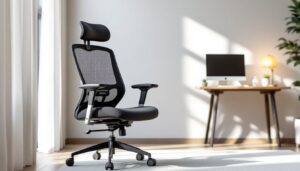
The Herman Miller Mirra sits in a sweet spot between the company’s flagship Aeron (the original ergonomic workhorse from 1994) and its more affordable options. The Mirra was designed specifically for people who work at computers all day but don’t necessarily need the premium price tag of a fully loaded Aeron. What sets it apart is Herman Miller’s obsessive approach to posture and movement. Unlike basic office chairs that lock you into one position, the Mirra encourages dynamic sitting, your body can shift, recline, and adjust without fighting the chair. The backrest uses a non-fabric suspension system that conforms to your spine’s natural S-curve. This matters because static seating causes blood pooling, fatigue, and the lower-back pain that plagues remote workers. The Mirra also features a breathable design, which isn’t just nice when summer heat cranks up: it keeps you from overheating during a long video call sprint. The aesthetic is honest industrial, no fake leather or cushioning that’ll flatten in three years, so it looks at home in a dedicated home office or a corner of a living room where work happens.
Key Features and Design Elements
Backrest and Lumbar Support
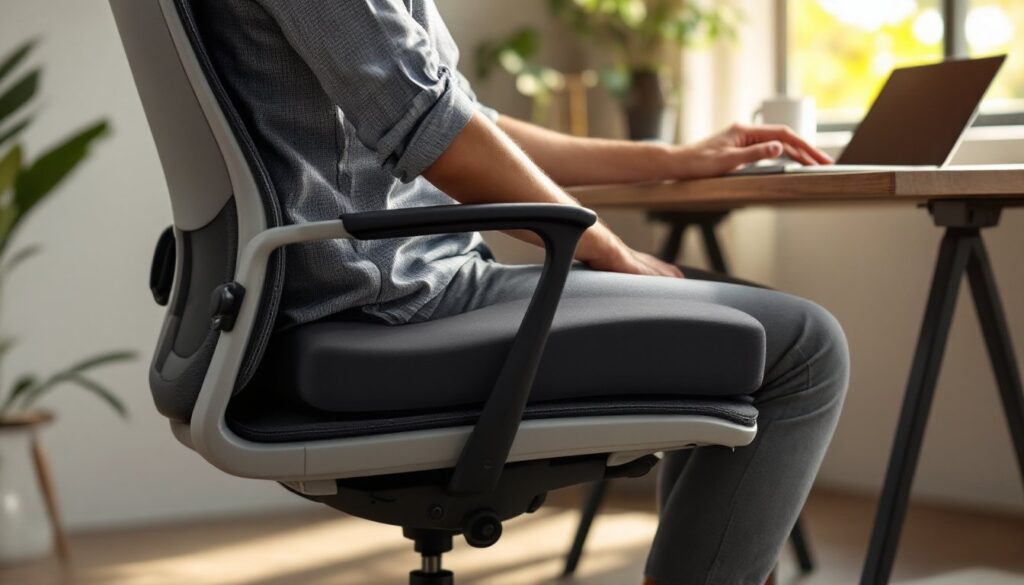
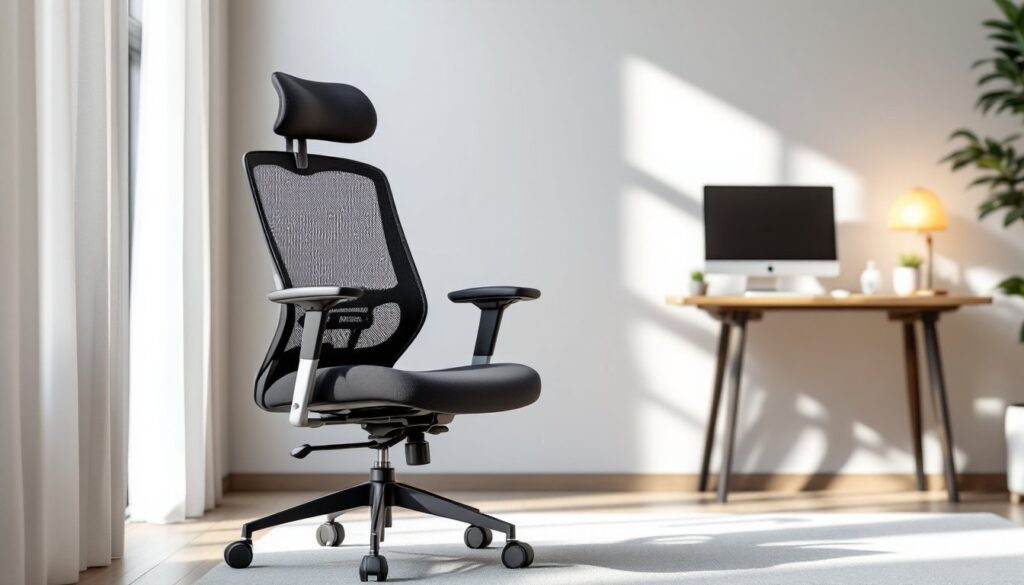
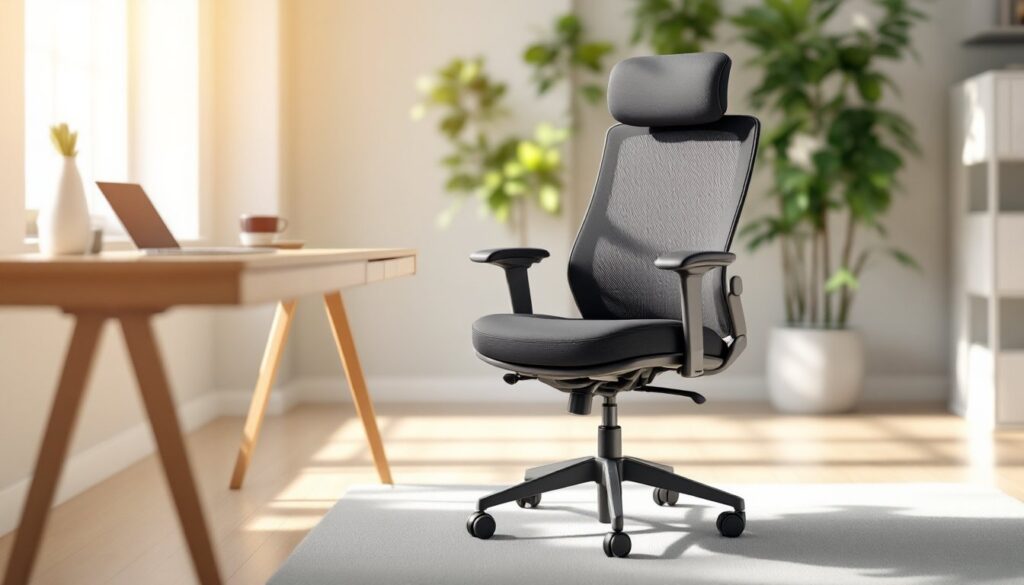
The Mirra’s back support is its strongest feature. Instead of a padded lumbar pillow that you fidget with endlessly, the chair uses a PostureFit technology, a flexible spine-aligned backrest that adapts as you recline. PostureFit is a Herman Miller patent that redirects pressure from the back of your pelvis upward along your spine’s natural curve, not against it. When you first sit, you might notice the support feels firm: that’s intentional. Your spine needs active support, not a pillow to sink into. The backrest height adjusts to match your torso length (short, medium, tall versions are available at purchase), so you’re not paying for features you don’t use. The backrest also tilts with the seat pan, when you lean back, the support angle changes with you, maintaining proper alignment rather than letting your head drop unsupported.
Seating Comfort and Adjustability
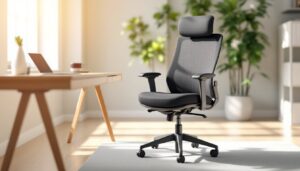
The seat pan itself is relatively firm, designed to support your sit bones (the two bony points at the base of your pelvis) rather than cradle you like a recliner. The mesh upholstery is breathable and durable: it won’t pill or snag the way fabric does. Adjustability is extensive but not overwhelming. You get seat height adjustment via pneumatic cylinder (standard on most office chairs), seat depth adjustment (crucial for people of different sizes, short folks can move it forward so their feet touch the ground), seat tilt, backrest tension (resistance when you recline), and tilt lock. Arm height is adjustable, and the armrests themselves can be removed if you prefer a cleaner look or need more lateral space. One note: the Mirra doesn’t recline as far as the Aeron or some gaming chairs. If you want to nap in your office chair, this isn’t your model. But that’s a feature, not a bug, the goal is productive sitting, not sleeping.
Is the Mirra Right for Your Home Office
Before dropping $600-plus on a chair, ask yourself honestly: How many hours a day am I actually sitting here? If you’re working 6-8 hours daily at your desk, the Mirra makes financial sense over five years (that’s roughly 30 cents per working day). If you’re in and out, using the space part-time, you might be better served by a solid mid-range mesh chair at $200-300. The Mirra also assumes you can adjust it properly. If you’re not the type to spend 10 minutes tuning seat height, armrest angle, and backrest tension, you’ll underuse what you’re paying for. That said, the learning curve is gentle, most people dial it in intuitively within a week. Height matters too. The Mirra works well if your desk is a standard 29.5 inches tall, and you need the chair’s height range to align your elbows at a 90-degree angle when your feet rest flat on the floor (or a footrest). If you’re unusually tall, short, or use a non-standard desk, check the specifications against your actual measurements before committing. The aesthetic is corporate-modern, clean lines, minimal visual bulk, no curves or cushioning drama. If your home office leans cottage, transitional, or eclectic, the Mirra might feel like a spaceship landed in the corner. That’s not a problem if form follows function for you, but it’s worth considering alongside your decor.
Setup, Maintenance, and Long-Term Value
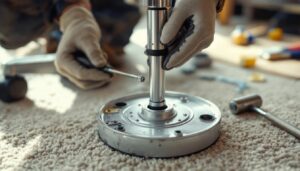
Assembly: The Mirra arrives disassembled. You’ll need about 30-45 minutes and an Allen wrench set to bolt the base, gas cylinder, seat pan, and backrest together. Herman Miller includes clear instructions, and the process is straightforward, no special tools required. Once assembled, the chair is stable and feels rock-solid, not wobbly. Maintenance: Mesh upholstery is low-care compared to fabric or leather. A light vacuum with a brush attachment every few weeks and an occasional damp cloth wipe-down keeps it clean. The wheels (casters) will eventually wear: replacement casters are available separately for $30-50 per set, extending the chair’s life without replacing the whole unit. Warranty and Durability: Herman Miller backs the Mirra with a 12-year warranty on the frame, mechanism, and backrest, longer than most office chairs. The pneumatic cylinder (which controls height) typically lasts 5-10 years of daily use. Replacement cylinders cost $60-100 and are a 10-minute DIY swap. Over a decade, assuming you pay $650 upfront and replace one cylinder, you’re looking at about $750 total for a chair used daily. Compare that to buying three $250 chairs that bottom out after 3-4 years, and the math favors the Mirra. Interior design platforms like Houzz let you virtually test furniture placement in your office layout, which can help you visualize how the chair fits the space before committing. Also, heritage furniture design is discussed in depth on design-focused publications, which often highlight how ergonomic seating has evolved as a status symbol in home offices.
Conclusion
The Herman Miller Mirra isn’t the cheapest office chair, but it’s built for people serious about working from home without sacrificing comfort. Its PostureFit back support, adjustability, and mesh durability deliver on the promise of reducing fatigue over long work sessions. If you’re spending 30+ hours weekly at your desk, the investment pays for itself in reduced back pain and improved focus alone. The caveat: it requires proper setup and honest self-assessment of your needs. For full-time remote workers with space, budget, and an appreciation for functional design, it’s a smart long-term play.