Table of Contents
ToggleIf you’re spending eight hours a day hunched over a desk, your neck is paying the price. Neck pain from poor seating is one of the most common complaints among remote workers and office-based employees. The good news? A quality office chair with proper neck support can eliminate that nagging strain and improve your focus, productivity, and overall well-being. This guide breaks down what to look for in a neck support chair, what features actually matter, and how to set up your workspace so that your neck, and your back, thank you for years to come.
Key Takeaways
- An office chair with neck support distributes your head’s weight evenly and maintains proper cervical spine alignment, reducing tension headaches and preventing long-term neck damage from prolonged sitting.
- The best neck support chairs feature adjustable headrests, lumbar support, proper seat depth, and adjustable armrests—not just a high-back design alone.
- Mid-range office chairs ($400–$800) offer the best value for most workers, providing durable materials and multi-adjustable features without premium tier overkill.
- Proper monitor positioning (20–26 inches away, top of screen at eye level) and headrest placement at the base of your skull are critical; an expensive chair becomes ineffective if set up incorrectly.
- Test chairs in-person for at least 10–15 minutes before purchasing, and ensure your office chair comes with a minimum 5-year warranty and 30–60 day return policy for workplace peace of mind.
Why Neck Support Matters in Your Office Chair
Your cervical spine, that’s your neck’s technical name, supports roughly 10 to 12 pounds of head weight when you’re sitting upright. Lean forward even 15 degrees, and that load jumps to 27 pounds. Over eight hours, that’s a recipe for tension headaches, stiffness, and chronic pain.
When your office chair lacks proper neck support, your muscles work overtime to stabilize your head. This creates micro-tears in the cervical muscles and tendons, leading to inflammation and long-term damage. A chair with built-in neck support, whether a high-back design with an integrated headrest or a dedicated neck pillow, distributes that load evenly and keeps your spine in a neutral, healthy position.
The spine’s natural curve (called cervical lordosis) is critical. A supportive neck system maintains this curve, reducing strain on discs and nerves. Studies consistently show that workers using ergonomic seating with neck support report fewer headaches, better concentration, and less fatigue by day’s end. It’s not just comfort: it’s injury prevention.
Key Features to Look for in a Neck Support Chair
Ergonomic Design Essentials
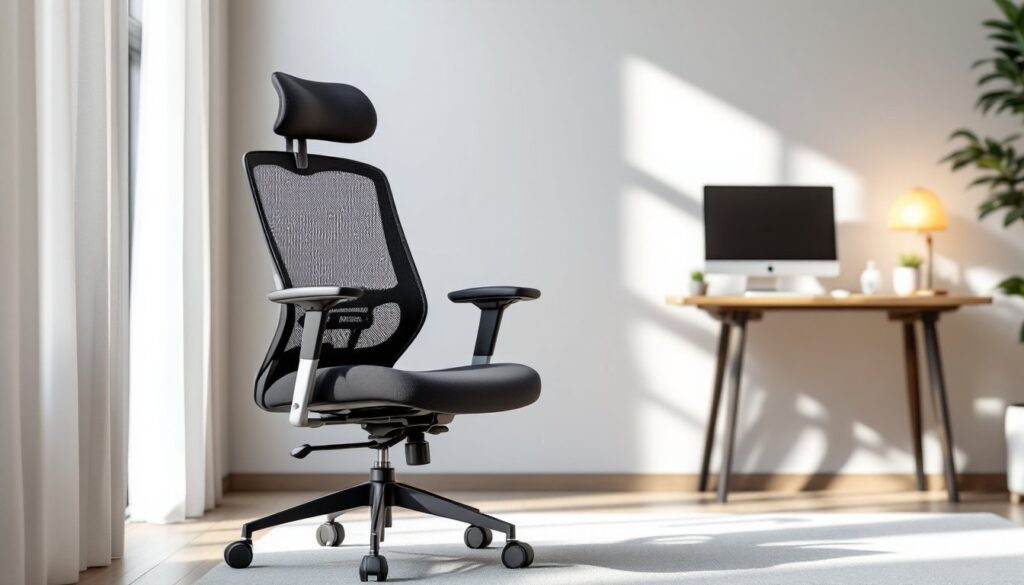
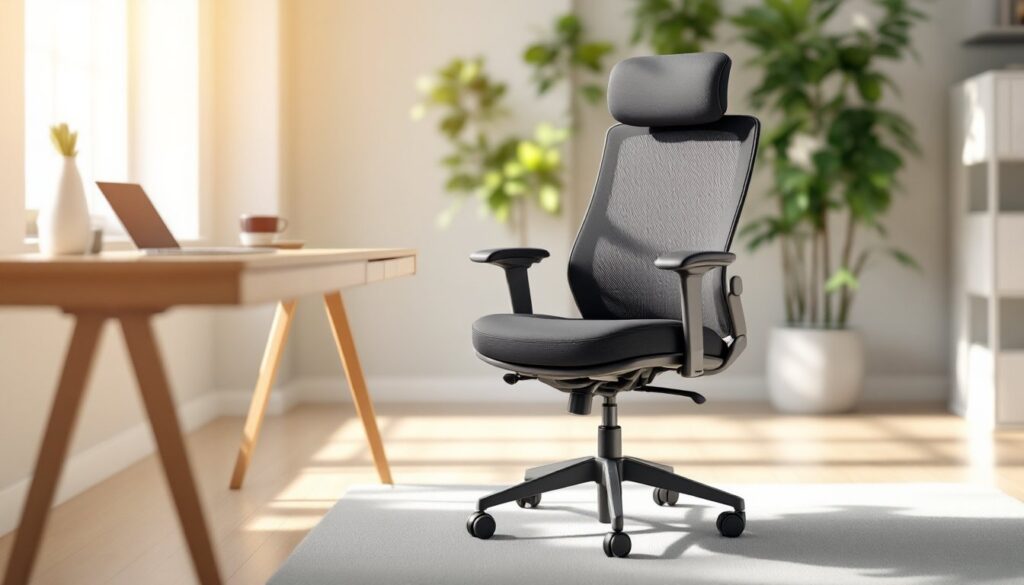
The best neck support chair combines several design features working in concert. First, look for a high-back design, ideally one that extends to shoulder height or higher. This distributes weight across your upper spine, not just your neck.
Second, seek an adjustable headrest (not just a fixed neck pillow). You should be able to move it up, down, forward, and backward to match your anatomy. Not all heads are the same size or shape, and a one-size-fits-all headrest often creates new problems. The headrest should contact your head at the base of your skull, roughly at your natural hairline, not higher up on the back of your head.
Third, confirm the chair has lumbar support adjustment. Your lower back and neck are linked: poor lumbar support forces your neck to compensate, creating tension. Most quality chairs offer depth adjustment (how far the lumbar curve protrudes) and height adjustment.
Fourth, check the seat depth and width. Seat depth should allow 2–4 inches between the seat edge and the back of your knees when you’re sitting back. A seat that’s too deep pushes your lumbar spine forward: too shallow and you’re constantly sliding back. Width should let you sit comfortably without your hips touching the sides.
Finally, ensure the armrests are adjustable in height and width. Many people overlook this, but if your armrests force your shoulders up or don’t support your forearms, your neck muscles tense up to compensate.
Material and Durability Considerations
Don’t assume that a higher price tag guarantees better materials. That said, cheap mesh or thin fabric wears out fast and doesn’t breathe well. Look for breathable mesh or high-density foam padding that won’t compress or flatten after six months.
If you run hot, mesh fabric is your friend, it allows airflow and reduces heat buildup during long sitting sessions. If your workspace gets cold or you prefer cushioning, a high-grade fabric blend (polyester-cotton mix) or genuine leather works better, though leather can trap heat.
Inspect the base and caster wheels. A 5-point base (five wheels) is standard and stable. Heavy-duty nylon or polyurethane wheels roll smoothly and last longer than cheap plastic ones. The gas cylinder (that pneumatic lift mechanism) should be rated for your weight: quality brands test to at least 250 pounds, even if you weigh less. This ensures the chair maintains proper height adjustment for years.
Adjustable features, headrest, lumbar support, armrests, should move smoothly and lock firmly in place. Wobbles or loose pivots are red flags that the chair won’t hold its position and will create frustration within weeks.
Price Range and Budget Options
Office chairs with neck support range from $150 to over $1,500, and the jump in quality isn’t always proportional to price. Here’s a realistic breakdown.
Budget tier ($150–$400): Entry-level chairs with basic neck support, fixed or minimally adjustable headrests, and mesh backing. These work for short sessions (under four hours daily) and light users. Expect the padding to compress and materials to show wear within 12–18 months. Brands in this range often skimp on lumbar support and base durability.
Mid-range ($400–$800): The sweet spot for most home-office users. Chairs here feature multi-adjustable headrests, better padding, more durable fabrics, and smoother adjustment mechanisms. These chairs often come with a 5–10 year warranty and hold up to 40+ hours per week of heavy use. This is where you start seeing genuinely thoughtful ergonomic design.
Premium tier ($800+): High-end ergonomic chairs with luxury materials, extensive customization, and superior build quality. These are designed for users who spend 8+ hours daily in their chair or have diagnosed back/neck issues. They often come with longer warranties (10+ years) and replacement part availability.
Honestly, unless you’re dealing with existing neck or back problems, the mid-range tier offers the best value. A $600 chair will serve you far better than a $200 impulse buy, without the overkill of a $1,200 executive model. Factor in that quality office furniture is tax-deductible if you’re self-employed, which can offset some of the cost.
Setting Up Your Office Chair for Maximum Neck Support
Buying the right chair is half the battle: setting it up correctly is the other half. Even a $1,000 chair will cause problems if it’s positioned wrong.
Seat height: Adjust so your feet rest flat on the floor and your knees are at a 90-degree angle. If your feet dangle, add a footrest. This anchors your lower body and prevents you from slouching forward.
Monitor position: This is crucial for neck support. Your monitor should sit directly in front of you, with the top of the screen at or slightly below eye level. If you’re looking down, you’re straining your neck: if you’re looking up, you’re hyperextending it. The screen should be 20–26 inches away, roughly arm’s length, to minimize forward lean. Many people position monitors too low or too close, negating good chair support.
Headrest adjustment: Once seated properly, adjust your headrest to cradle the base of your skull, just above your neck. It should support without pushing your head forward. If it feels like it’s cradling the back of your head, it’s too high. Test by relaxing your neck: your head should rest naturally in the support without effort.
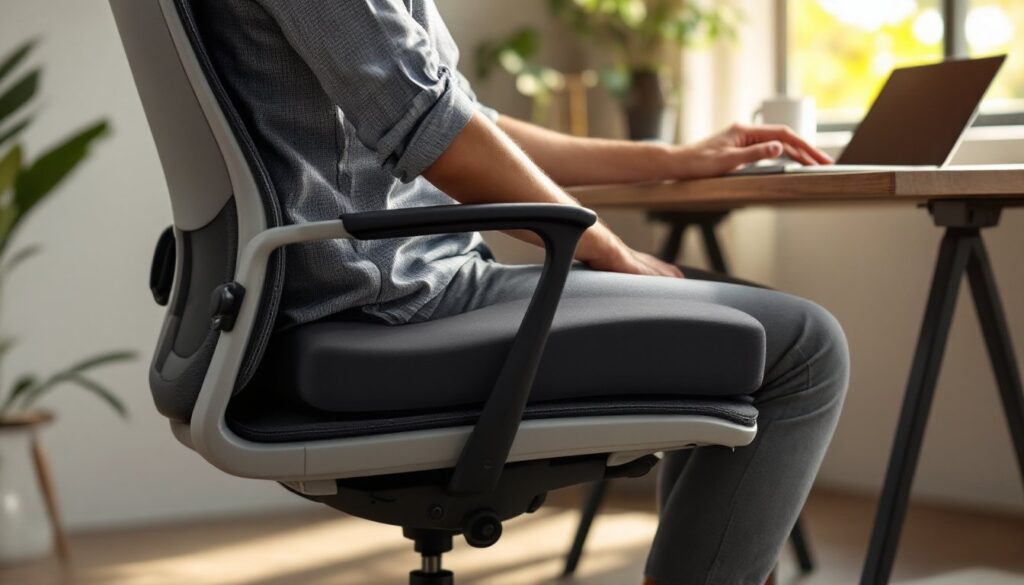
Lumbar support: Set the lumbar curve to match the natural inward curve of your lower back. You should feel gentle support, not pressure. Sit back fully: your glutes should contact the backrest, not just your lower back.
Armrest height: Adjust so your forearms rest lightly on the armrests with your elbows at 90 degrees. Your shoulders should be relaxed, not shrugged. If armrests are too high, your shoulders creep up: too low, and you’ll lean sideways.
Take 10 minutes to dial these in correctly. It makes the difference between a chair that prevents pain and one that just sits in your office.
Common Mistakes to Avoid When Choosing Neck Support Chairs
Prioritizing looks over function: A sleek modern chair that lacks lumbar support or has a fixed (non-adjustable) headrest will leave you in pain after a week. Check Office Comfort Products That for curated options that balance style and ergonomics.
Assuming a higher headrest equals better support: Some chairs have tall headrests that actually push your head forward, creating worse posture. A shorter, properly-angled headrest that supports your cervical curve beats a tall one that misses the mark.
Ignoring seat depth and width: If the seat doesn’t match your frame, all the neck support in the world won’t help. A seat that’s too deep compresses the back of your thighs and cuts off circulation: too shallow and you slide around.
Buying without testing (if possible): Online shopping is convenient, but if you can test a chair in-store first, do it. Sit for at least 10–15 minutes. How does it feel after that duration, not just the first minute? That’s the real test.
Neglecting adjustment: Many people buy a quality chair and never adjust it beyond the height. Take the five minutes to dial in lumbar support, headrest position, and armrest height. It’s the difference between good and great.
Waiting until pain develops: Don’t buy a supportive office chair only after you’re already dealing with neck pain. Ergonomic seating is preventive medicine. Start with the right setup before damage accumulates. Industry experts at CNET’s guide to the best office chairs often highlight models that excel in preventive ergonomics.
Confusing “gaming chairs” with ergonomic work chairs: Gaming chairs prioritize aesthetics and recline angle: ergonomic work chairs prioritize spinal support and adjustment range. They’re different animals. If you’re working, not gaming, choose a work-focused design.
Overlooking warranty and return policies: A quality chair should come with at least a 5-year warranty. Make sure the return window is 30–60 days so you can test it in your actual workspace. Some retailers like those featured on Design Milk curate premium furniture with solid backing, which can simplify your decision.